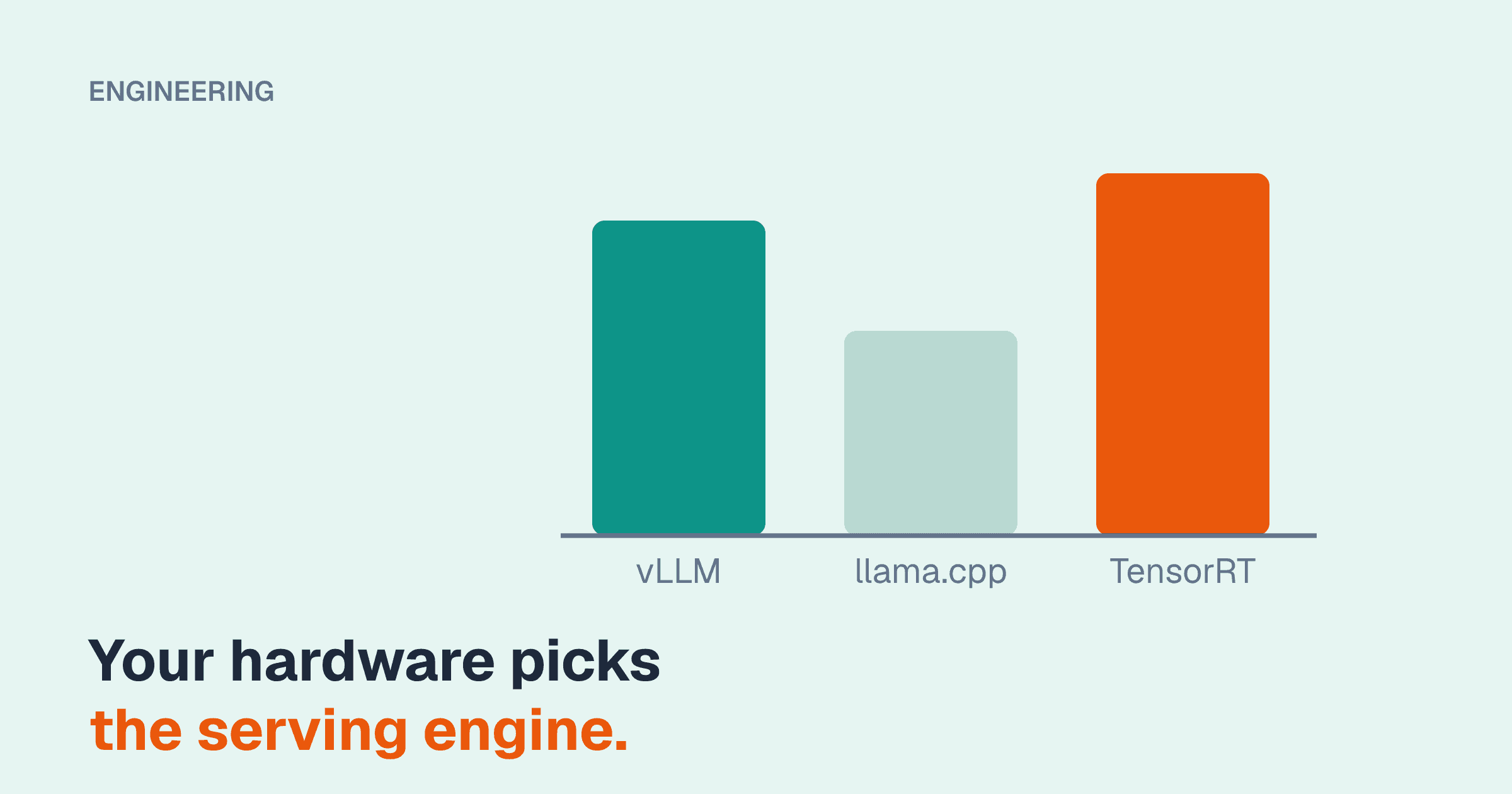
"Which LLM inference engine should I use?" has a shorter answer than most comparison posts suggest, because two facts decide most of it: what hardware you have, and how many requests arrive at the same time.
- Many concurrent users on NVIDIA or AMD datacenter GPUs: start with vLLM.
- One user or a few, on a laptop, a Mac, a CPU-only server, a consumer GPU that the model does not quite fit on, or an edge device: use llama.cpp.
- An NVIDIA-only fleet, a stable model, and an engineering team willing to trade flexibility for the last increment of throughput or latency: evaluate TensorRT-LLM.
The rest of this post explains why, where the boundaries blur, and what each choice costs you operationally. We have deliberately left out tokens-per-second numbers. They go stale within a release or two, and they depend so heavily on model, quantization, prompt lengths, and concurrency that someone else's benchmark is a poor substitute for an afternoon running your own.
What the engines have in common
All three load open-weight transformer models and generate tokens. All three expose an OpenAI-compatible HTTP API, so your application code does not need to know which one is behind the URL. That last point matters for your decision: the choice is reversible. If you build against /v1/chat/completions, swapping engines later is an infrastructure change, not an application rewrite.
Where they differ is in what they optimize for.
vLLM: throughput under concurrency
vLLM came out of research on serving many requests at once, and two mechanisms define it.
PagedAttention. The KV cache (the per-request memory that grows with every token) is allocated in small fixed-size blocks rather than one contiguous region per request. That removes most of the memory wasted to fragmentation and over-reservation, which means more concurrent requests fit on the same GPU.
Continuous batching. Rather than waiting for a batch to fill or for every request in a batch to finish, the scheduler adds and removes requests at each generation step. The GPU stays busy, and a short request does not wait behind a long one.
On top of that it offers automatic prefix caching (shared system prompts are computed once), chunked prefill (long prompts are split so they do not stall other users' generation), speculative decoding, tensor and pipeline parallelism for multi-GPU and multi-node serving, and structured output.
vllm serve meta-llama/Llama-3.1-8B-Instruct \
  --max-model-len 16384 \
  --gpu-memory-utilization 0.90 \
  --tensor-parallel-size 2
Hardware fit. NVIDIA datacenter and recent consumer GPUs are the primary target. AMD GPUs via ROCm are supported and actively maintained. There are also backends for Intel hardware, TPUs, and CPUs, at varying maturity. Apple Silicon is not a first-class target.
Quantization. AWQ, GPTQ, FP8, and, on Blackwell-generation GPUs, NVFP4, along with a few others. It can load GGUF files, but that path is not where its optimization effort goes. The important caveat: vLLM expects the model to fit in GPU memory. It is not designed to spill layers to system RAM.
Operational complexity. Low to moderate. It is a Python package and an official container image. Models load straight from Hugging Face format with no conversion step. The project moves quickly, so pin versions and read release notes before upgrading.
Where it is the wrong tool. A single user on a small machine gains little from a scheduler built for hundreds of requests, and pays for it in startup time and memory reserved up front.
llama.cpp: run anywhere
llama.cpp is a C/C++ implementation with minimal dependencies, and its defining feature is reach. It runs on NVIDIA GPUs (CUDA), Apple Silicon (Metal), AMD GPUs (ROCm or Vulkan), Intel GPUs, and plain CPUs on x86 and Arm. Ollama and LM Studio, which many teams meet first, are built on top of it; they add model management and a friendlier interface, and inherit its performance characteristics.
Two features make it uniquely practical on modest hardware.
GGUF and k-quants. GGUF is a single-file model format with a family of quantization schemes, from 8-bit down to around 2-bit. The "k-quants" (names such as Q4_K_M and Q5_K_M) mix precisions across layers to preserve quality at a given size. Q4_K_M is the common default: roughly a quarter the size of 16-bit weights, with quality loss that is small for most tasks. Verify on your own evals rather than taking that on trust, especially below 4-bit.
Partial GPU offload. If a model does not fit in GPU memory, llama.cpp can place some layers on the GPU and the rest on the CPU. It is slower than fitting entirely on the GPU, but it works, and neither of the other two engines is built for it.
llama-server -m ./models/model-Q4_K_M.gguf \
  -ngl 99 \
  -c 16384 \
  --parallel 4 \
  --host 0.0.0.0 --port 8080
-ngl is the number of layers to offload to the GPU (a large number means "all"), -c is the context size, and --parallel sets how many requests are decoded concurrently. Check how your version allocates context across parallel slots: depending on version and flags, the context size is either divided between slots or shared as one pool, and the difference determines whether a long request gets truncated.
Concurrency. llama-server does implement continuous batching and parallel slots, and it serves a small team perfectly well. It is not designed to compete with vLLM at dozens or hundreds of simultaneous requests on datacenter GPUs. Multi-GPU support exists, by splitting layers or rows across devices, but it is generally less efficient than the tensor parallelism in vLLM or TensorRT-LLM.
Operational complexity. The lowest of the three. A single binary and a single model file. That simplicity is a real production virtue for edge deployments, air-gapped environments, and desktop applications.
TensorRT-LLM: NVIDIA's own stack
TensorRT-LLM is NVIDIA's inference library, tuned by the people who build the GPUs. It offers in-flight batching (NVIDIA's term for continuous batching), a paged KV cache, FP8 and NVFP4 quantization using NVIDIA's own tooling, INT4 AWQ, speculative decoding, and multi-GPU and multi-node parallelism. New NVIDIA hardware features tend to be supported here first and most thoroughly.
trtllm-serve meta-llama/Llama-3.1-8B-Instruct \
  --host 0.0.0.0 --port 8000 \
--tp_size 2Hardware fit. NVIDIA GPUs only. That is the whole list.
Operational complexity. Moderate to high, even without the build step. It is typically deployed from NVIDIA's containers, with tight coupling between library version, CUDA version, and driver. Production deployments often sit behind Triton Inference Server or NVIDIA's Dynamo framework, which bring their own configuration surface. Model support for a brand-new architecture can trail vLLM's, where community contributions often land within days of a release.
When it pays off. When you serve a small number of stable models at high volume on NVIDIA hardware, so that a modest efficiency gain multiplies across many GPUs, or when you have a strict latency target that the other engines miss on your hardware. Whether the gain exists for your model and traffic is an empirical question. Measure before committing.
Adjacent options
SGLang is the closest alternative to vLLM: same hardware class, same serving model, with particular strength in prefix reuse through its RadixAttention cache and in structured generation. If your workload is dominated by shared prefixes (agents, few-shot prompts, multi-turn sessions) benchmark it alongside vLLM.
Ollama is llama.cpp with model management and a simple API. It is excellent for developer machines and internal tools. For a shared production service you will usually want the control that llama-server or vLLM gives you directly.
Decision table
| Your situation | Engine | Why |
|---|---|---|
| Multi-user service on NVIDIA datacenter GPUs | vLLM | Best balance of throughput, model coverage, and ease of operation |
| Multi-user service on AMD datacenter GPUs | vLLM | ROCm support is maintained; TensorRT-LLM is not an option |
| Apple Silicon (Mac Studio, MacBook) | llama.cpp | Metal backend; the others do not target it seriously |
| CPU-only server | llama.cpp | Built for it; use a small model and a k-quant |
| Consumer GPU, model slightly too large for VRAM | llama.cpp | Partial offload to system RAM |
| Consumer GPU, model fits, several users | vLLM | Continuous batching pays off once requests overlap |
| Edge device, air-gapped appliance, desktop app | llama.cpp | Single binary, single file, no Python runtime |
| Unified-memory desktop such as a DGX Spark | llama.cpp for one user; vLLM for a team | See our DGX Spark sizing notes |
| Large NVIDIA fleet, stable models, cost per token is a board-level number | TensorRT-LLM, benchmarked against vLLM | Small percentage gains multiply |
| Newest model architecture, released this week | vLLM or llama.cpp | Community support typically lands first |
| Heavy prefix sharing, agent workloads | vLLM or SGLang | Benchmark both with prefix caching on |
Quantization format follows engine
A practical consequence that teams discover late: the quantized model file you download is tied to the engine family.
| Format | Typical engine | Notes |
|---|---|---|
GGUF (k-quants such as Q4_K_M) | llama.cpp, Ollama | Widest range of bit-widths; works on every backend |
| AWQ, GPTQ (4-bit integer) | vLLM, SGLang, TensorRT-LLM (AWQ) | GPU-oriented; good quality at 4-bit |
| FP8 | vLLM, SGLang, TensorRT-LLM | Needs hardware FP8 support (Ada, Hopper, and newer); usually near-lossless |
| NVFP4 | TensorRT-LLM, vLLM | Blackwell-generation GPUs; halves memory again compared with FP8 |
Whichever you choose, run your evaluation set against the quantized model, not the original. Quantization loss is task-dependent, and the tasks that suffer first (long reasoning chains, exact numeric extraction, less common languages) are often the ones businesses care about.
How to run a fair bake-off
If two engines survive the table, benchmark them properly. Most published comparisons fail at least one of these:
- Use your own prompts. Input and output length distributions change the ranking. A chat workload and a long-document summarization workload can produce opposite winners.
- Test at your real concurrency, and at two to three times it. Single-stream speed tells you almost nothing about a multi-user service.
- Hold quality constant. Compare the same precision, or confirm on your evals that both quantizations are acceptable.
- Record time to first token and inter-token latency separately, at p50, p95, and p99. Averages hide the experience your unluckiest users get.
- Drive load at a fixed arrival rate rather than a fixed number of looping clients, so a slow server cannot quietly reduce the load it is being tested with.
- Warm up first, and run long enough for the KV cache to fill and the scheduler to reach steady state.
- Count the operational cost. Time to upgrade, time to add a new model, quality of metrics and logs, and how your team felt debugging it at the end of the week.
The default we reach for
For a new multi-user deployment on GPUs, we start with vLLM, keep the application on the OpenAI-compatible API, and treat the engine as replaceable. For anything that has to run on a Mac, a CPU, or a single file on someone else's machine, llama.cpp. We bring in TensorRT-LLM when measurement on the client's hardware shows a gain that justifies the narrower ecosystem.
Hardware decides more than engine choice does. If you are still choosing hardware, the Blueprint planner sizes model, memory, and cost together, and our services page describes how we help teams deploy and tune whichever engine fits.